Try a section of a long podcast
On a local file or standard link, choose a passage with a complete exchange. Review the quote for this range before processing the rest of the episode.
New accounts receive 15 free credits (15 min of video processing, no credit card). Paste a link or upload a recording to export watermark-free HD Shorts with auto captions and reframing.
Preview a public video of any length, then select up to 60 minutes to clip.
Set your clip range length to see the estimate. Processing rate in credits per source minute: 1.
Covered by your balance—ready to generate watermark-free clips.
Start with your free signup credits without entering a credit card. When credits run out, you’re never auto-charged.
Clips generated with your free signup allowance export as clean, watermark-free MP4 files with full caption styles and speaker reframing—identical to paid plans.
One-time packs start at $9.90 for 80 credits. Monthly and annual subscriptions are also available.
Clips generated with free signup credits use the exact same AI highlight detection, speaker reframing and burned-in captions as paid plans—zero watermarks.
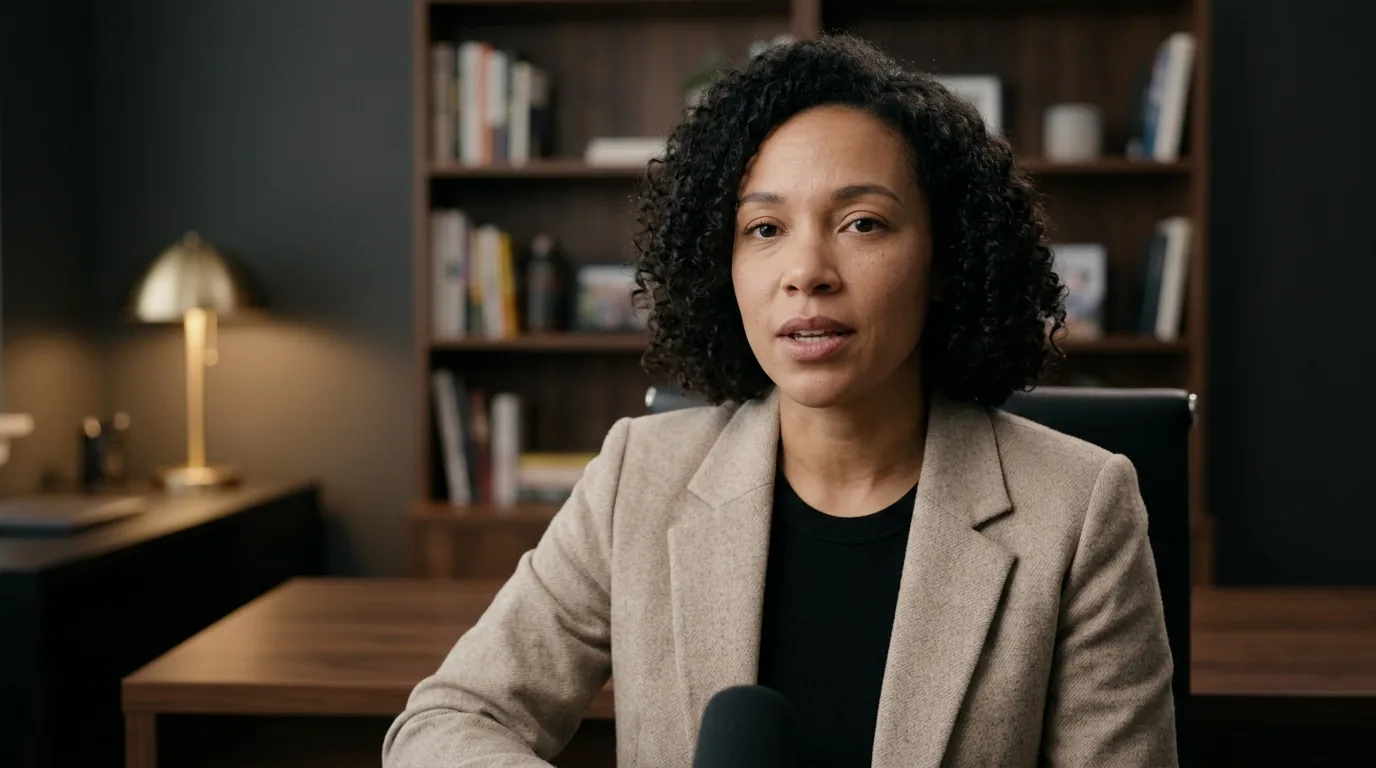
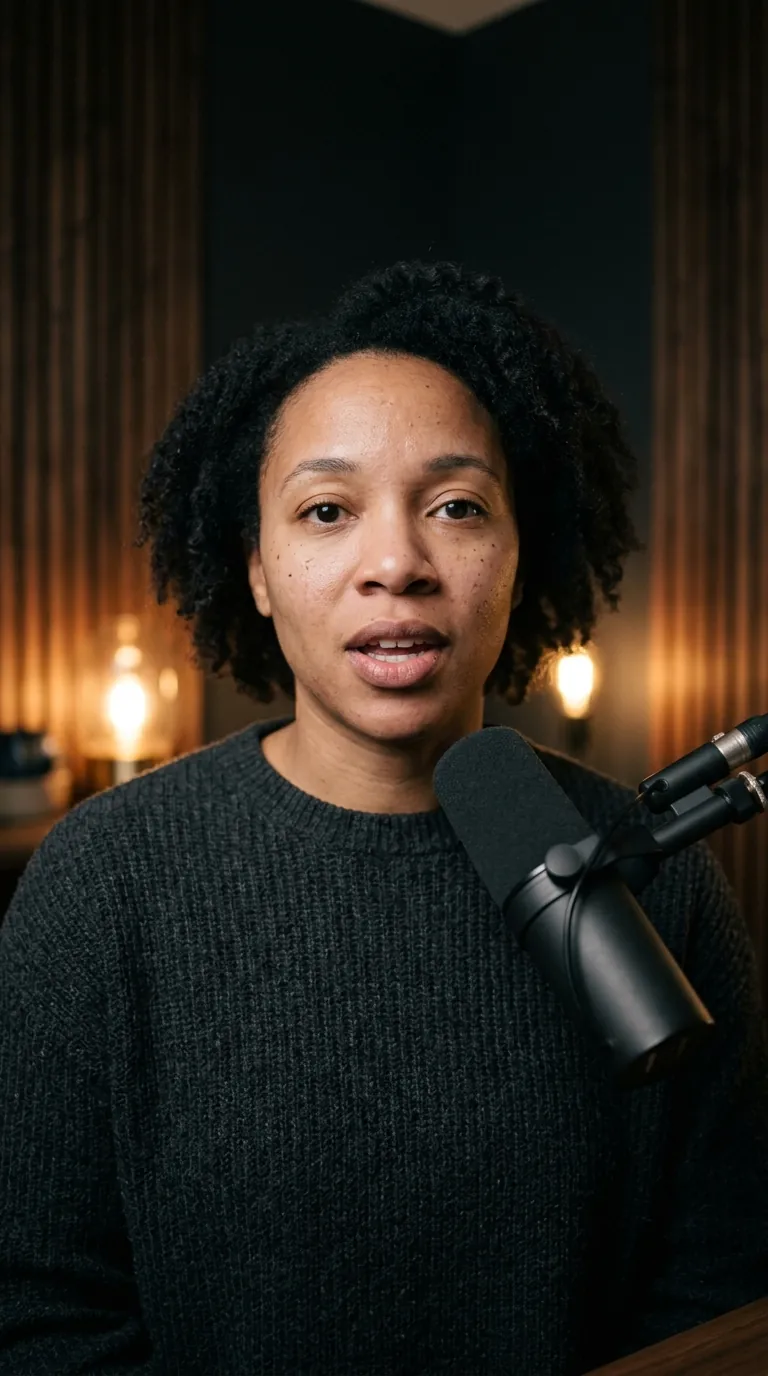
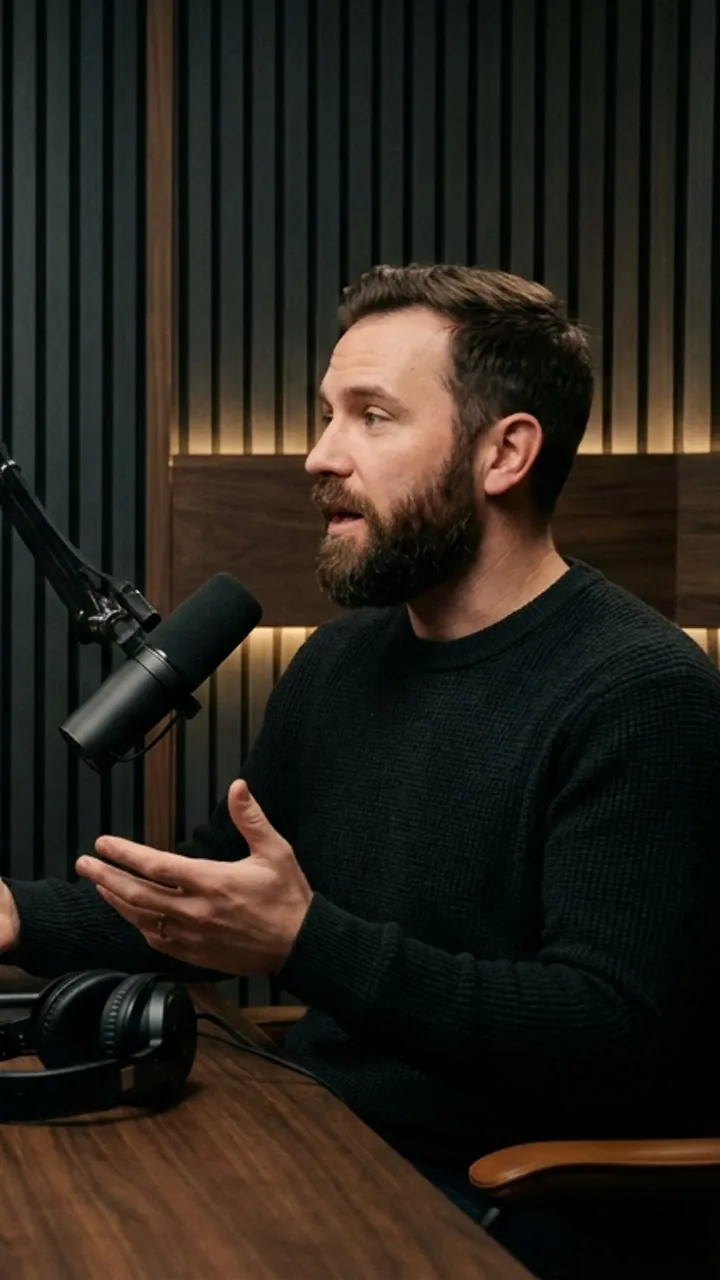
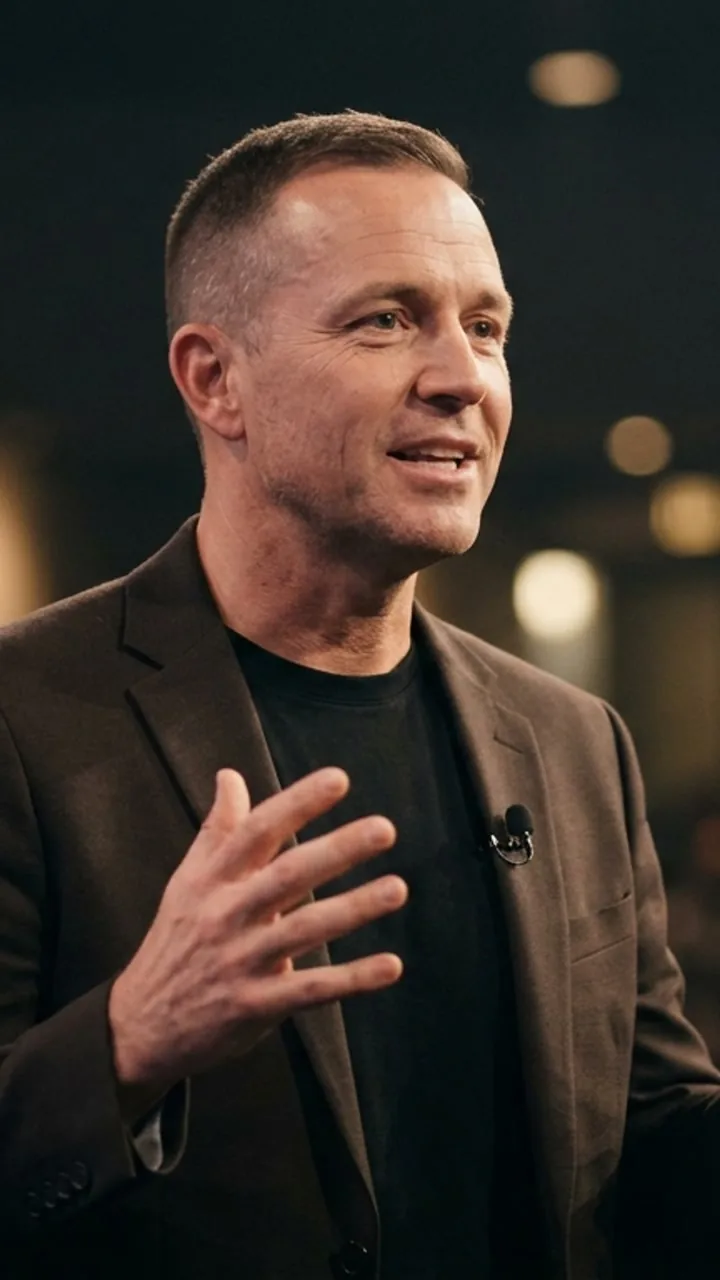
Play these real 9:16 exports—a dual-host podcast split and a solo creator talk—before processing your own footage.
Compare our free video clipper signup allowance, pay-as-you-go one-time packs and subscriptions by credits, billing and export settings.
| Rule / Capability | Free Signup Allowance | One-time packs (from $9.90) | Subscriptions (from $12/mo) |
|---|---|---|---|
| Included credits | 15 signup creditsOne-time signup grant · valid 7 days | 80 / 290 / 720 / 1,600 creditsCredits never expire | 120 / 360 / 900 credits per month1,440 / 4,320 / 10,800 credits per year, granted upfront |
| Credit card required | No card required | One-time checkout only | Recurring, cancel anytime |
| Export quality & watermark | No watermark · 1080p priority MP4 | No watermark · 1080p priority MP4 | No watermark · 1080p priority MP4 |
| File and link limits | Local: 180 min, up to 5 GiB (3 GiB upload) · Up to 60 min per selectionShorter selections use fewer credits | Local: 180 min, up to 5 GiB (3 GiB upload) · Up to 60 min per selectionUp to 60-min range per run | Local: 180 min, up to 5 GiB (3 GiB upload) · Up to 60 min per selectionUp to 60-min range per run |
| Clips per run & features | 1–10 clips · Three ratios or Auto · Optional captions | 1–10 clips · Full features | 1–10 clips · Full features |
| Failed or canceled with no clips delivered | All reserved credits returned | All reserved credits returned | All reserved credits returned |
Try the free clip generator samples to check the output first. For your own recording, estimate the processing time and choose a source range that fits your balance.
On a local file or standard link, choose a passage with a complete exchange. Review the quote for this range before processing the rest of the episode.
A five-minute, 45-second recording counts as five billable minutes. Multiply by the rate shown in the calculator to estimate the credits for that run.
If you post occasionally, a one-time pack lets you pay for processing without starting a subscription. Compare the pack balance with the quote for your next recording.
Explore the signup allowance, sample clips, long-video estimates and ways to add credits.
No watermark and no card required. New accounts automatically receive 15 free signup credits (valid for 7 days, covering up to 15 minutes of processing) with all 3 caption styles (including Bold/Hormozi) and watermark-free HD MP4 exports unlocked.
Play the real podcast clips on this page to see what our free video clipper exports—vertical reframing, original audio and synced captions—before choosing settings for your own footage.
Yes. For a local file or standard link, choose a range of up to 60 minutes. Start with a short conversation and check the quoted credits against your balance before generating.
Request 1–10 clips per run (5–180 seconds each); for 15–20 clips from a 1-hour video, split into two 30-minute ranges. Quotes follow source processing time; actual count depends on footage.
Signup credits are a one-time grant (not monthly). Reaching zero never auto-charges; choose a non-expiring one-time pack (from $9.90) or Starter ($12/mo, 120 min) on Pricing whenever you need more.
Once a job is confirmed failed or canceled with no clips delivered, all reserved credits return to your account automatically.
Yes. Free signup credits unlock the same Auto Captions, Video Resizer presets, automatic 1080p priority, and watermark-free MP4 exports as paid plans.
Finished clips remain privately stored in your account for 7 days after completion. Preview every clip in the workspace and download the MP4s you want to keep before the 7-day retention window expires.
Use the same recording to explore highlights, subtitles and framing. Your workspace shows the quote before each run.
Automatically cut 1–10 viral Shorts from long YouTube videos, podcasts, and livestreams.
All AI Video ToolsCompare every live tool side by side by input source, task goal, and export format.
Auto CaptionsCompare Default, Bold and Clean subtitles and choose where they sit in the frame.
Video ResizerReframe widescreen 16:9 recordings into 9:16, 1:1, or 16:9 with active speaker tracking.
Paste a public link or upload a recording above to use your free signup credits—watermark-free MP4 exports with no card required.
Choose the source range · Check the cost · Request up to 10 clips